


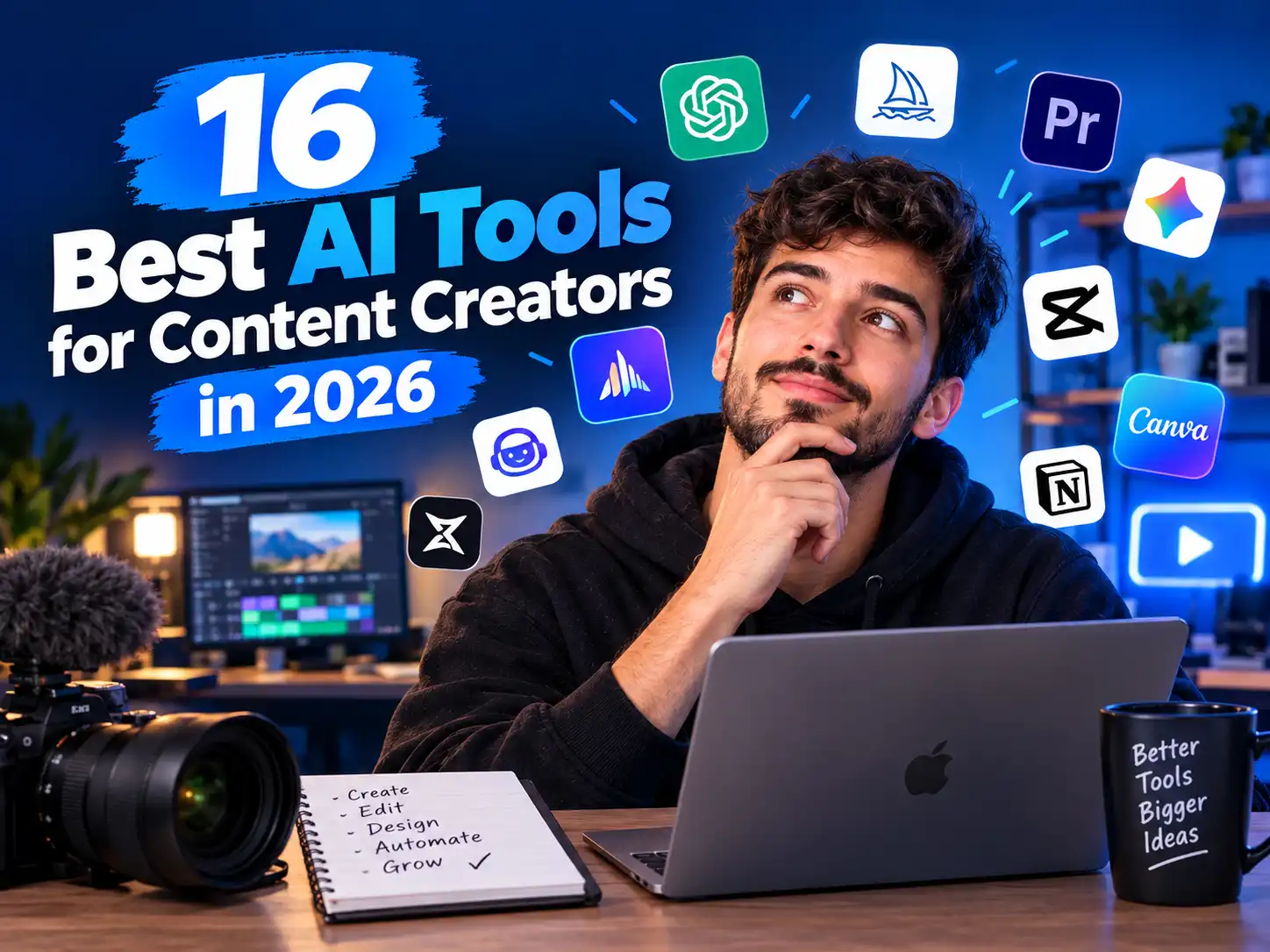
16 AI Websites and Tools Content Creators Should Know in 2026
Discover powerful AI platforms for video creation, editing, transcription, presentations, branding, voiceovers and more.
The creator economy is changing quickly, and artificial intelligence is becoming part of almost every stage of the content-production process. Instead of spending hours on repetitive editing, transcription, design and production tasks, creators can now use specialized online tools to speed up their workflows.
In this guide, we explore 16 AI-powered websites and creator tools worth knowing in 2026. They cover different parts of the workflow, from generating videos and creating digital presenters to removing backgrounds, producing subtitles, improving audio and designing presentations.
These platforms are not a replacement for creativity. Instead, they can help creators spend less time on repetitive tasks and more time developing ideas, storytelling and original content.
1. Qwen — AI Video Generation
Qwen
Qwen is an AI ecosystem that includes models and creative capabilities useful for experimenting with generative content, including AI-powered video workflows where supported.
For creators interested in experimenting with AI-generated visual content, tools in the Qwen ecosystem can be worth exploring as part of an AI production workflow.
2. Smart Noter — Turn Recordings Into Useful Notes
Smart Noter
Smart Noter is designed around recording and converting spoken content into text.
A tool like this can be useful for lectures, meetings, interviews and other situations where you need to capture spoken information and turn it into searchable notes. Translation capabilities can also make multilingual content easier to work with.
3. Descript — AI-Powered Video Editing
Descript
Descript combines video and audio editing with a text-based workflow, making editing easier for creators who prefer working with transcripts.
Instead of treating video editing as a purely timeline-based process, creators can work with text and make changes to the associated media. This approach can be particularly useful for podcasts, interviews, tutorials and educational videos.
Visit Descript →4. Runway — Creative AI Video Production
Runway
Runway is a well-known generative AI platform focused on creative production and AI-powered video workflows.
Creators can explore generative video concepts, visual effects and experimental production techniques. It can be useful when you want to develop visuals that would otherwise require more traditional production work.
5. Pictory — Turn Text Into Video
Pictory
Pictory focuses on simplifying the process of turning written content into video.
This can be useful for bloggers, marketers and social media creators who already have scripts or written material and want to repurpose that content into visual formats.
Visit Pictory →6. OpusClip — Turn Long Videos Into Short Clips
OpusClip
OpusClip is designed for creators who want to repurpose longer videos into shorter social-media-friendly clips.
If you have a podcast, interview, lecture, webinar or long-form video, automated clipping can reduce the amount of manual work required to identify and prepare short-form segments.
Visit OpusClip →7. Wisecut — Faster Video Editing
Wisecut
Wisecut focuses on simplifying and accelerating video editing with AI-assisted features.
It can be useful for creators who want to reduce repetitive editing work when preparing talking-head videos, educational content and other formats.
Visit Wisecut →8. Unscreen — Remove Video Backgrounds
Unscreen
Unscreen is designed to automatically remove backgrounds from video footage.
Background removal can be useful when creating social media graphics, product demonstrations, presentations, promotional videos or other visual content where the original background is distracting.
Visit Unscreen →9. Submagic — Captions and Short-Form Video Enhancement
Submagic
Submagic focuses on short-form video workflows, including automated captions and editing features.
Captions are especially important for social video because viewers may watch without sound. Automated subtitles and other editing features can help creators prepare short-form videos more efficiently.
Visit Submagic →10. Topaz Labs — Improve Video Quality
Topaz Labs
Topaz Labs develops AI-powered tools for image and video enhancement.
Enhancement workflows can be useful when working with older footage, lower-quality recordings or content that needs additional processing before publication.
11. VocalRemover.org — Separate Vocals and Music
VocalRemover.org
VocalRemover.org provides online tools for separating vocal and instrumental components from audio.
This type of audio separation can be useful for music-related projects, remix experiments, karaoke-style tracks and certain editing workflows.
Visit VocalRemover.org →12. Cleanvoice — Clean Up Audio
Cleanvoice
Cleanvoice is focused on improving spoken-audio recordings by helping creators remove unwanted elements from their recordings.
Cleaner audio can make podcasts, interviews, voice recordings and educational content easier to listen to and more professional.
Visit Cleanvoice →13. HeyGen — Create AI Avatars and Presenters
HeyGen
HeyGen provides AI avatar and video-generation tools that can turn scripts into presenter-style videos. Its current platform supports stock avatars, custom avatars and multilingual video workflows.
This can be useful for educational videos, product explainers, marketing content and social media production when a creator does not want to appear on camera for every video.
Visit HeyGen →14. Looka — AI Logo and Brand Design
Looka
Looka uses AI-assisted design to help users create logos and develop visual branding.
You can start with your company name and preferences, explore generated logo concepts and customize elements such as colors, fonts and layouts. This can be useful for new creators, websites and small businesses building a visual identity.
Visit Looka →15. Gamma — Create Presentations With AI
Gamma
Gamma is an AI-powered platform for creating presentations and other visual documents.
Instead of designing every slide manually from scratch, creators can use AI-assisted workflows to structure information and produce a polished starting point. You can then edit the content and design to match your needs.
Visit Gamma →16. ElevenLabs — AI Voice and Voiceover
ElevenLabs
ElevenLabs specializes in AI-generated voice technology and tools for creating spoken audio.
Voice-generation technology can be useful for narration, voiceovers, educational content, storytelling and other creative projects. When using voice-cloning features, creators should always use voices with appropriate permission and respect applicable platform rules.
Visit ElevenLabs →How to Build a Smarter AI Content Workflow
The real value of these platforms is not simply having dozens of AI tools. The biggest benefit comes from connecting the right tools together into a repeatable workflow.
Start with a topic, audience and clear content objective. AI can help organize ideas, but your own expertise and originality should guide the final content.
Prepare a clear script before production. A strong structure usually makes the video-editing process much easier.
Depending on your project, use video-generation, avatar, voice or presentation tools to turn the concept into media.
Use editing, clipping, captioning and audio-enhancement tools to refine the result and prepare different versions for each platform.
Why AI Tools Matter for Content Creators in 2026
Content production often involves many small tasks: writing scripts, recording audio, editing footage, creating captions, designing thumbnails, producing presentations and adapting long videos into shorter formats.
AI tools can automate or accelerate parts of these processes. The result can be a more efficient workflow, particularly for solo creators and small teams that do not have dedicated editors, designers and production staff.
However, automation does not automatically create great content. The strongest results still depend on a clear idea, accurate information, thoughtful editing and a genuine understanding of the target audience.
Important Things to Check Before Using an AI Tool
1. Pricing and Usage Limits
Check the current free-plan limits, credits, export restrictions and subscription requirements before building an important workflow around any platform.
2. Commercial Usage Rights
If you are creating content for a business or monetized channel, review the platform's current terms and licensing conditions.
3. Privacy
Think carefully about what you upload. Avoid submitting confidential documents, private recordings or sensitive information unless you have reviewed the service's privacy and data-handling policies.
4. Human Review
AI-generated text, audio and video should be reviewed before publication. Check facts, pronunciation, subtitles, visuals and overall quality.
Frequently Asked Questions
Are these AI tools free?
Some offer free plans, trials or limited free usage, while others use subscription or credit-based models. Pricing and limits can change, so always check the official website before signing up.
Which tools are useful for short-form content?
Tools such as OpusClip, Submagic, Wisecut and video-editing platforms can be useful when repurposing longer recordings into short-form content.
Can AI create an entire video automatically?
Some platforms can automate significant parts of video production, but the amount of automation varies. Human review remains important for accuracy, storytelling, brand consistency and quality.
Can these tools replace professional editors and designers?
They can automate certain repetitive tasks, but professional judgment, creative direction and quality control remain valuable. AI is often most useful as an assistant within a larger creative workflow.
What should beginners do first?
Start with one specific problem instead of subscribing to many platforms at once. For example, begin with automatic captions, video clipping, audio cleanup or presentation creation, then expand your workflow as needed.
Final Thoughts
AI is rapidly changing how creators produce and distribute content. From video generation and editing to voiceovers, avatars, presentations and branding, there are now specialized tools for almost every stage of the creative process.
```The goal should not be to use every AI platform available. Instead, identify the repetitive tasks that consume the most time and choose tools that genuinely improve your workflow.
Experiment, compare results, check the terms of each service and keep your own creativity at the center of the process. Used thoughtfully, AI can become a powerful productivity layer for creators in 2026.
```Consultant in E-commerce & AI
Discussion (0)
No comments yet. Be the first to share your thoughts!